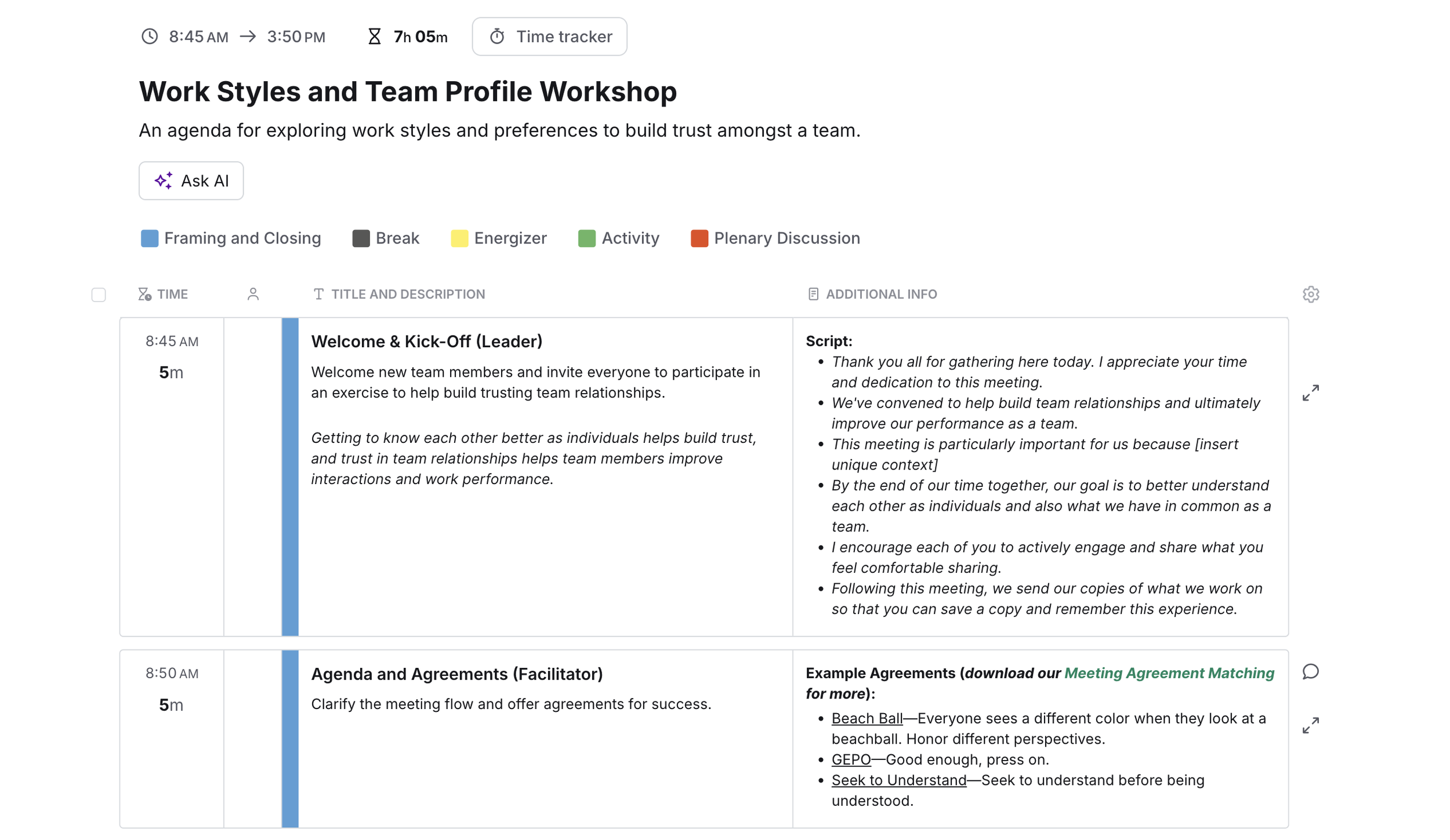
SessionLab takes the guesswork out of arranging times and content blocks to create an easy-to-follow agenda for virtual or in-person facilitation.
SessionLab lets us focus on the art of design instead of getting distracted by the little stuff, like making sure the start and end times are correct every time you change something.
We love this tool, and we've hardly tapped into many of its helpful features. For instance, SessionLab has a whole library of facilitation tools from the International Association of Facilitators (IAF). You can also find all of the Liberating Structures tools. With these proven modalities and energizers already built into the program, you will feel more confident designing your plan or program.
This video tutorial walks through planning a workshop for the Mid-Atlantic Facilitator Network (MAFN) called "Strategic Communications (Powered by Mural)." The program aimed to give facilitators a process for strategic communications planning they can use with their clients to develop messaging, specifically around change.
Try SessionLab and make designing agendas the easiest it's ever been.
Setting Up Your SessionLab Agenda
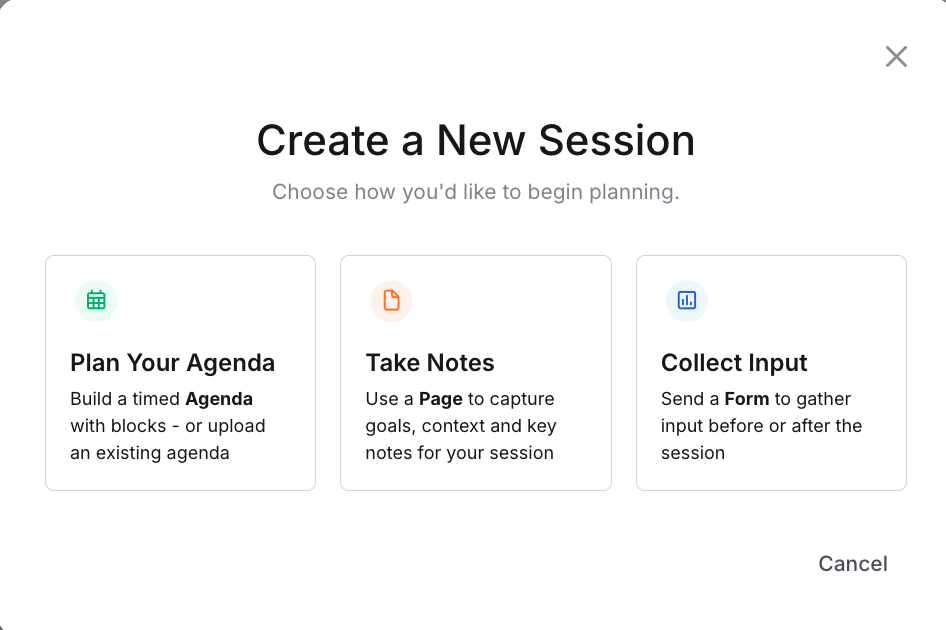
Step 1
Click “Create Session” and select “Plan Your Agenda”
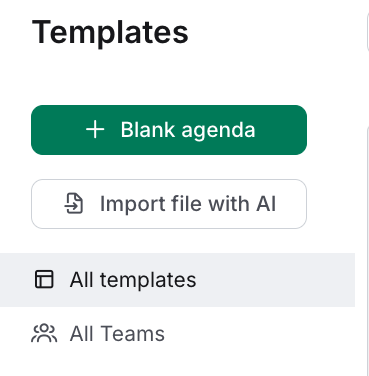
Step 2
Select “Blank Agenda”, import a file with AI, or search for a template
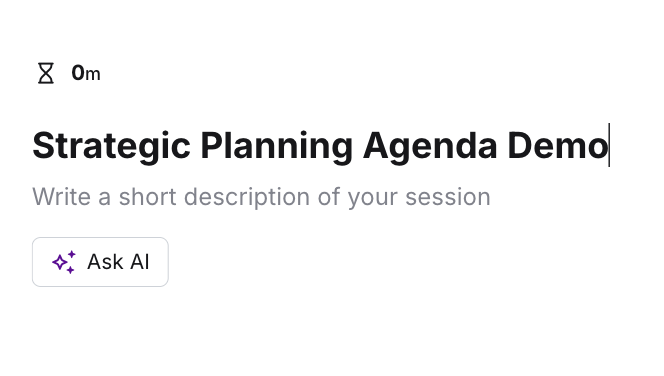
Step 3
Create a title
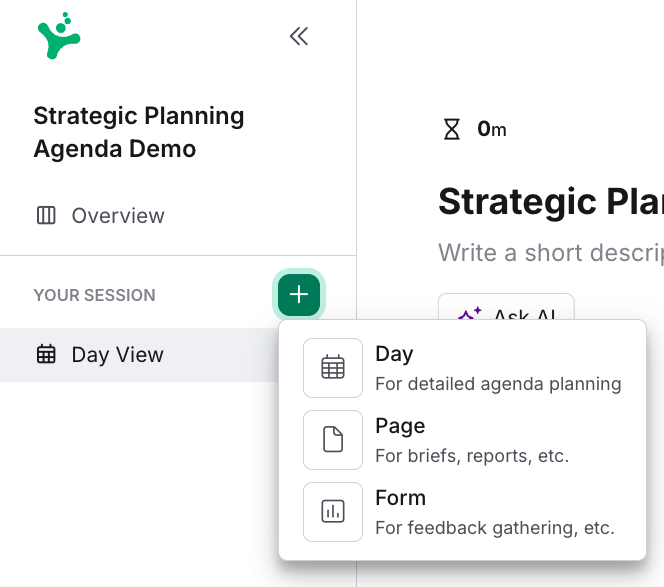
Step 4
Create a new day for each day of your program
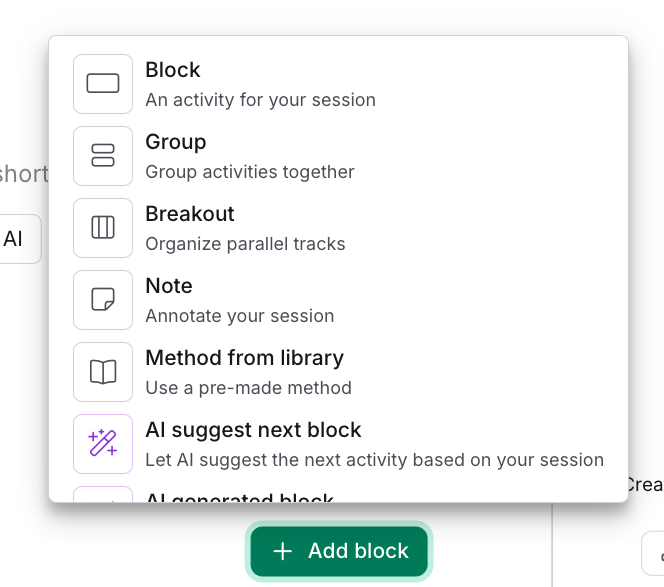
Step 5
Select “Add block”
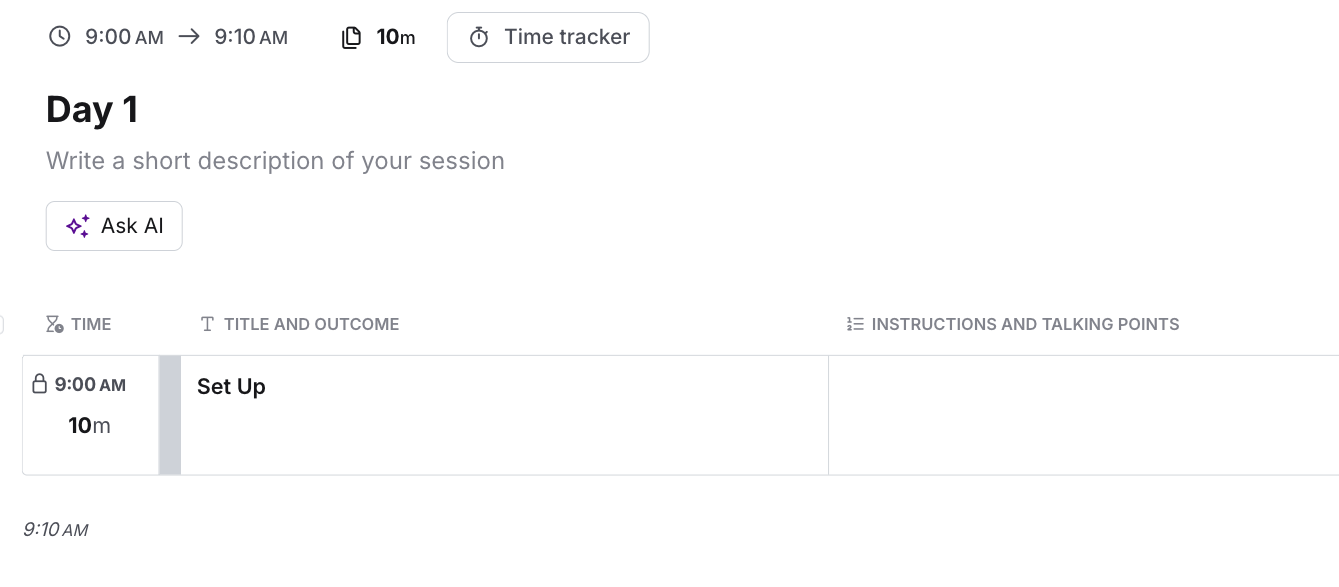
Title the block “Set Up”
Include any “housekeeping” things here, such as log in early, make so-and-so the host to manage breakouts, etc.
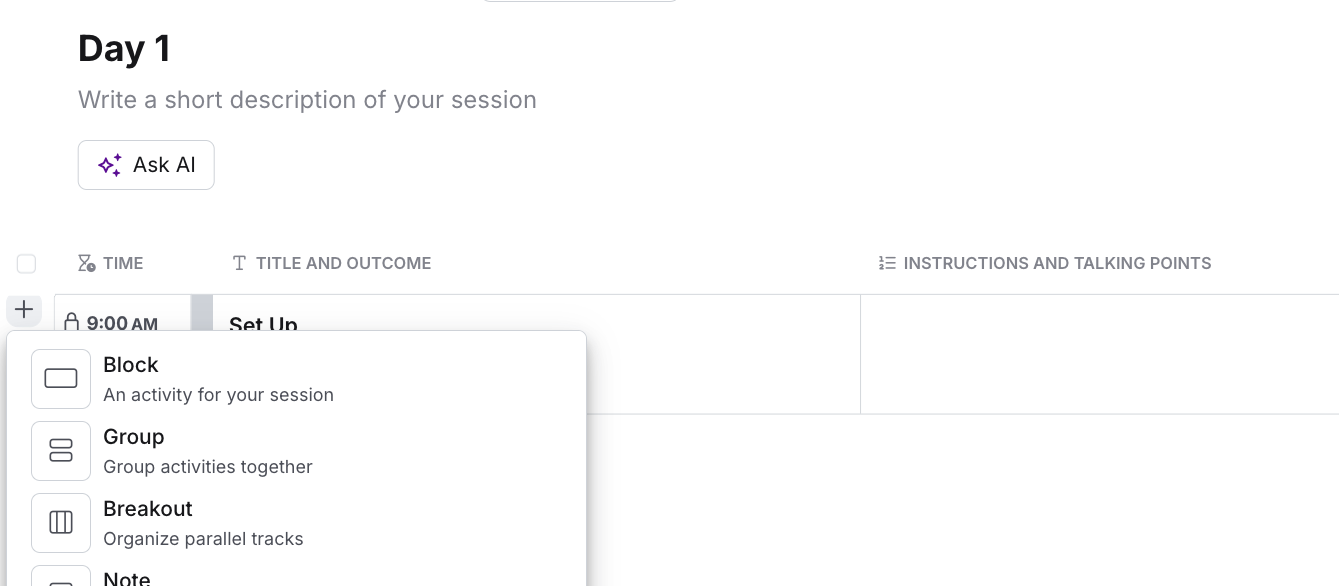
Step 6
Create a block titled “Welcome and Kick-off”
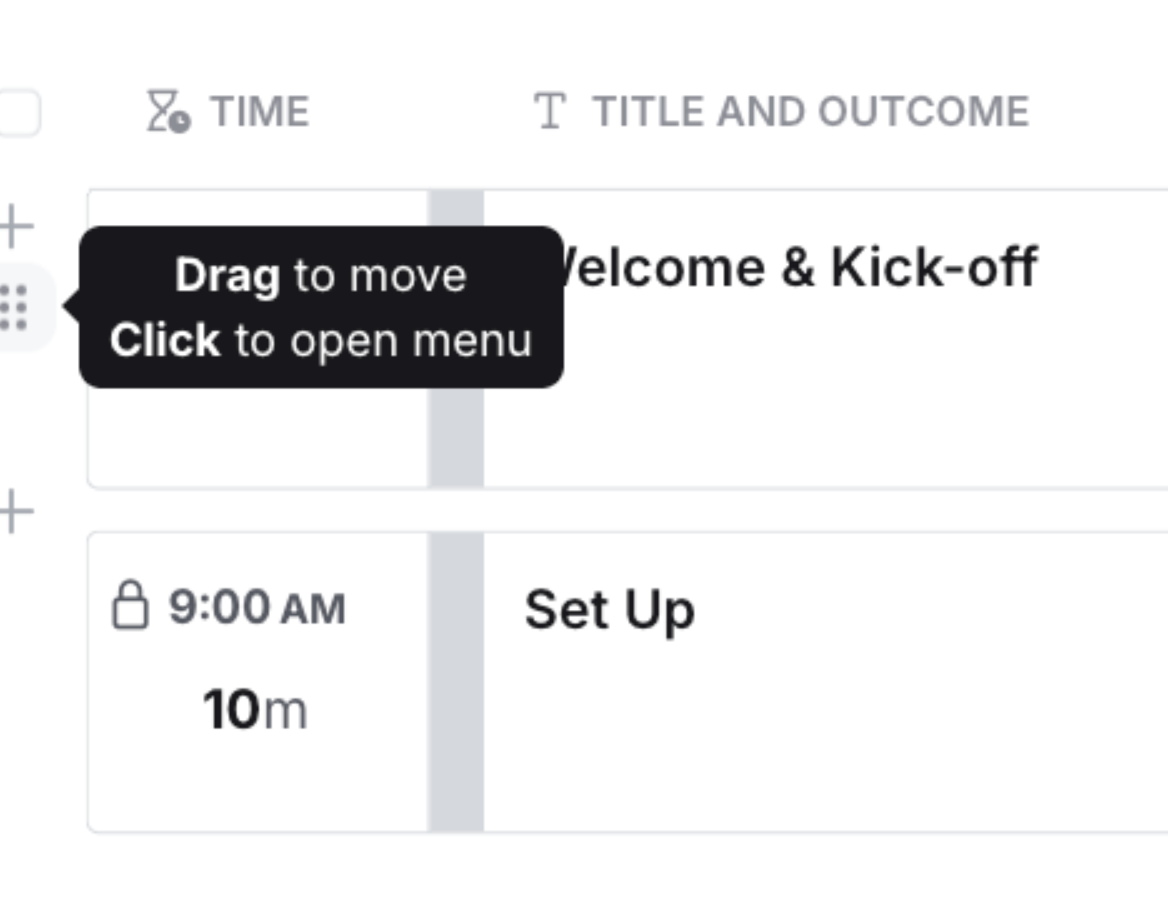
Drag and move it below Set Up
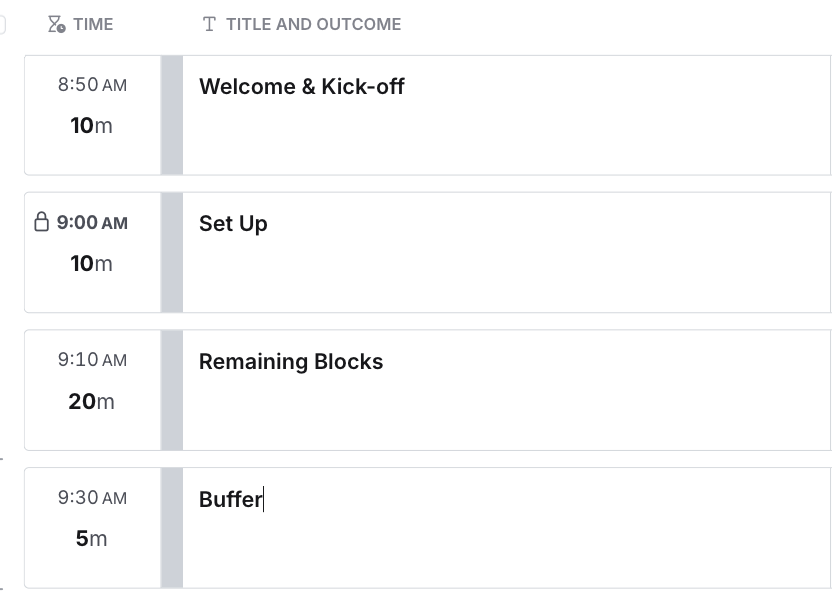
Step 7
Create the remaining blocks
Check out this article for tips on timing for virtual facilitation agendas.
Check out our blog on virtual energizers to keep your group engaged in a way that supports your goals.
Pro-Tips for SessionLab
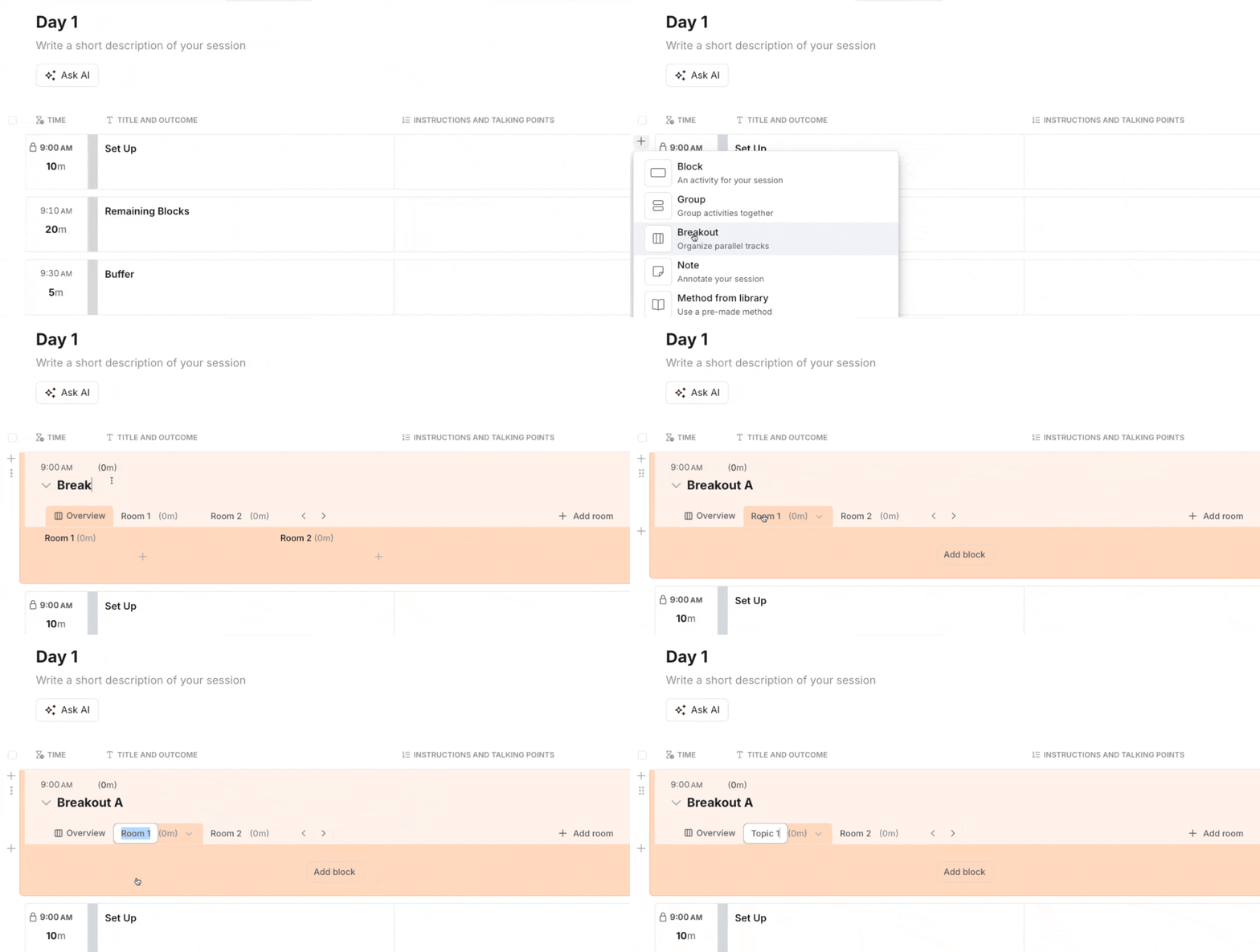
Tip 1: Breakouts
Create breakout topics easily using the breakout option.
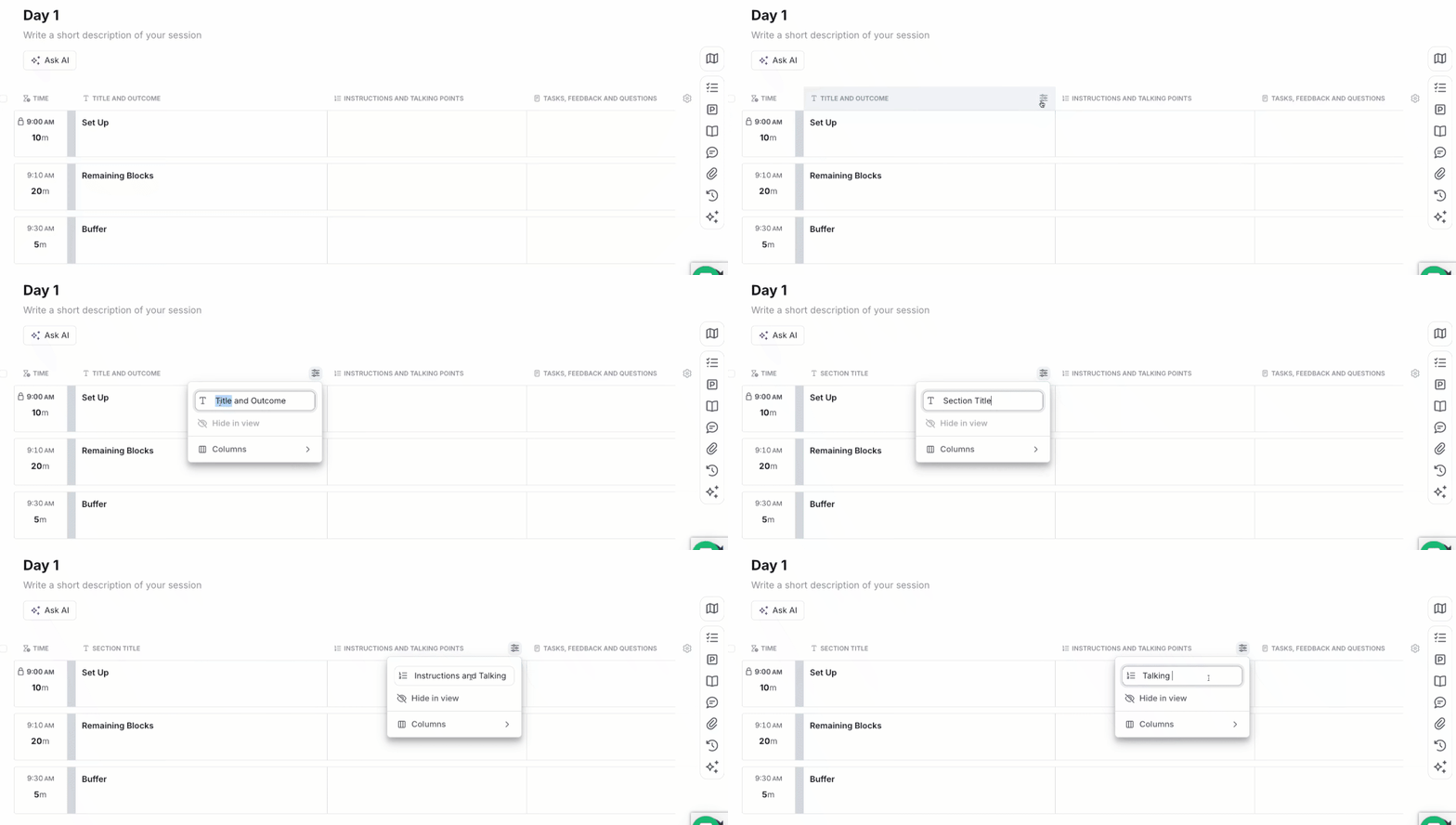
Tip 2: Custom Columns
Add custom columns to easily separate instructions from production cues.
You can easily hide and display columns.
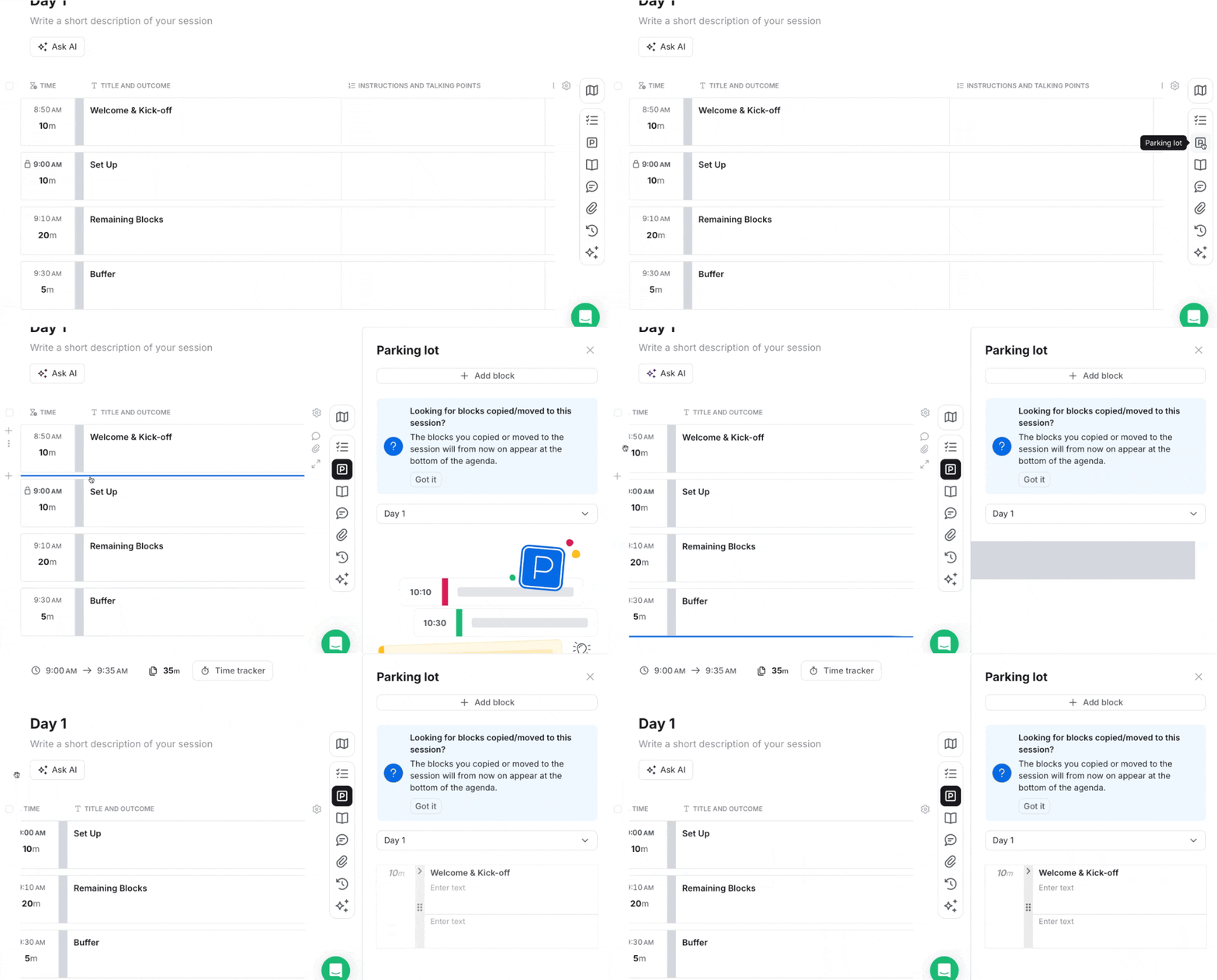
Tip 3: Parking Lot
When you delete a block, it’s gone forever.
Instead, move the block to the “Parking Lot” section in case you want to revisit it later.
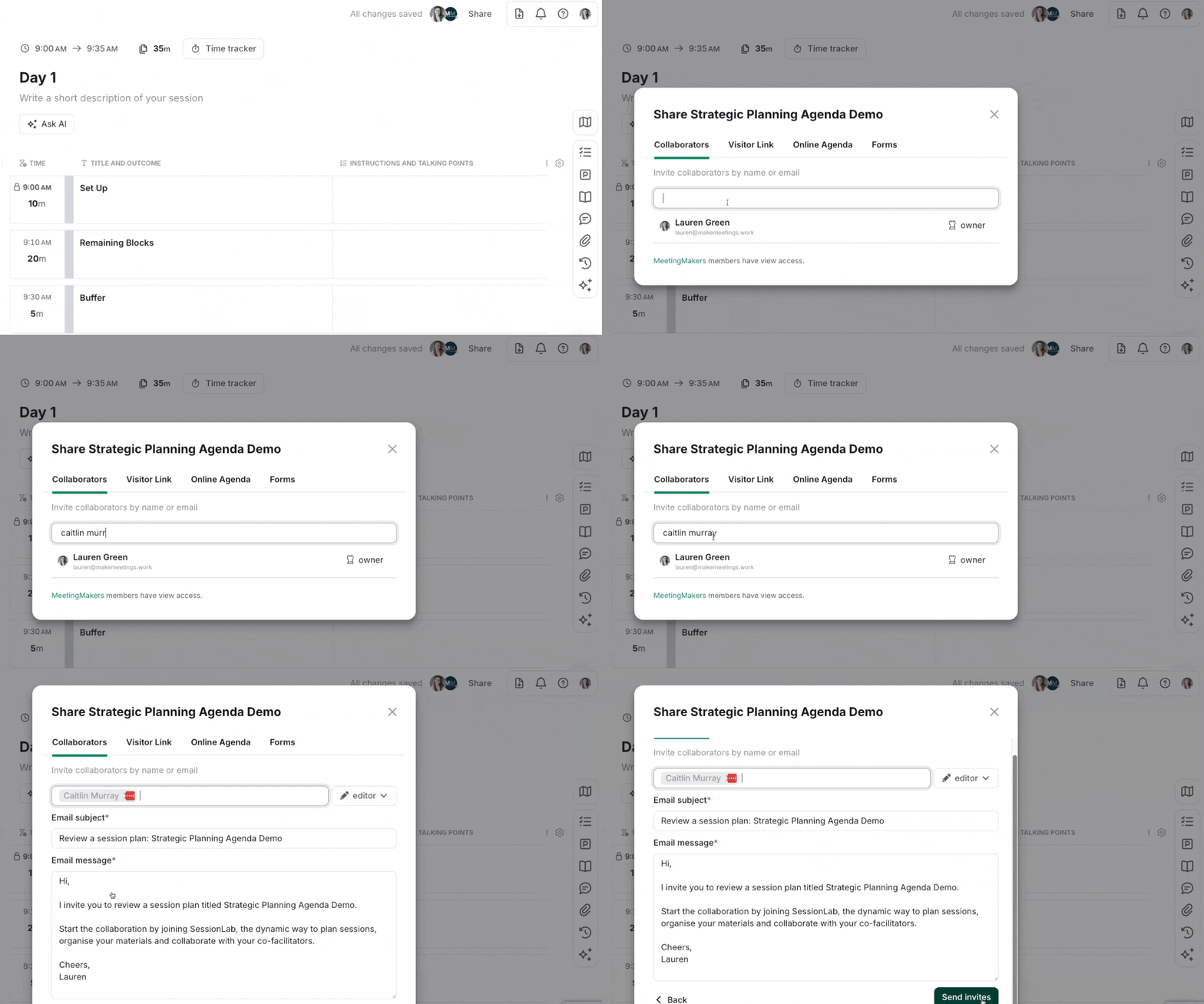
Tip 4: Collaborators
Add “collaborators” to the agenda so everyone can access the latest version.
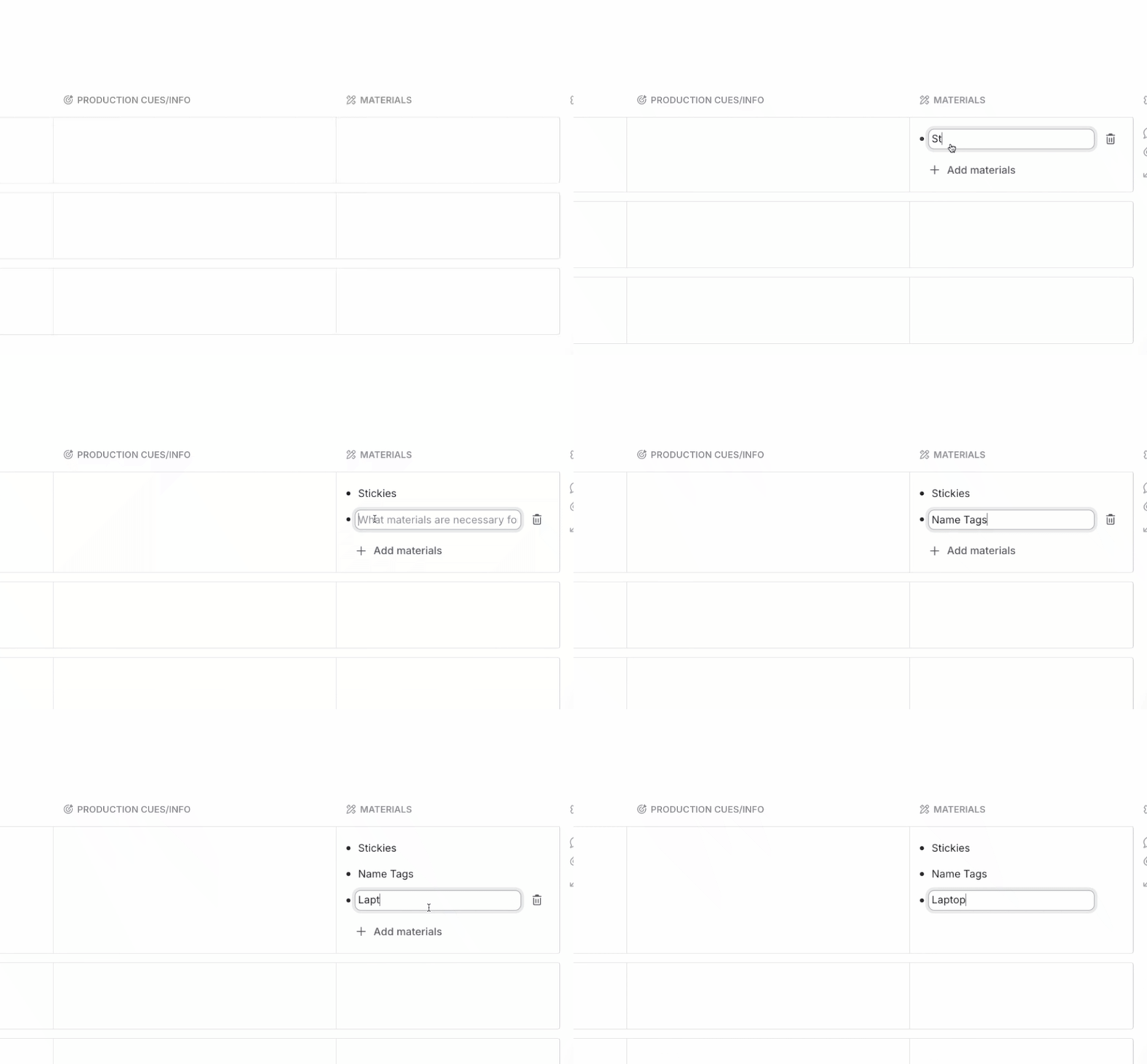
Tip 5: Materials
Add a list of materials so you can pack with ease.
Exporting Your Agenda
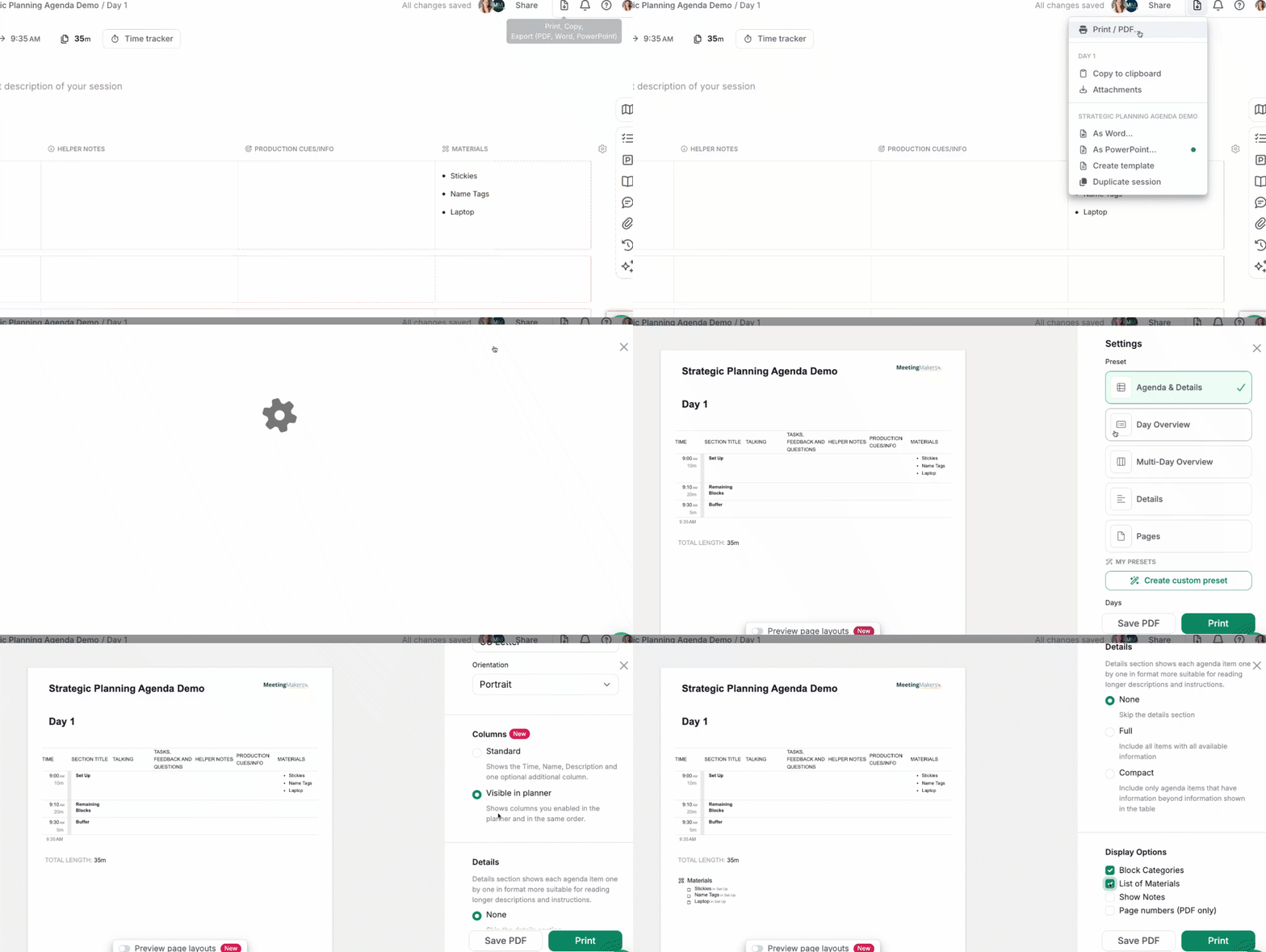
Export as a Word Doc or PDF, or print a copy. I like to make sure the font is normal or large.
How do you build a high-performing team? It all starts with how you meet.
Season 4 of This Meeting Sucks walks through our six-stage Meeting Type Framework and includes nine free SessionLab agenda templates to help your team reach high performance.